
Novation Launchkey 49 mk2
- Brand: Novation
- Product Code: Launchkey 49 mk2
- Availability: In Stock
-
$0.00
- Ex Tax: $0.00
Novation Launchkey 49 mk2
Live control
The less time you spend messing with your mouse, the more time you have for making music, you should use a MIDI keyboard controller that integrates immediately and automatically with Ableton Live
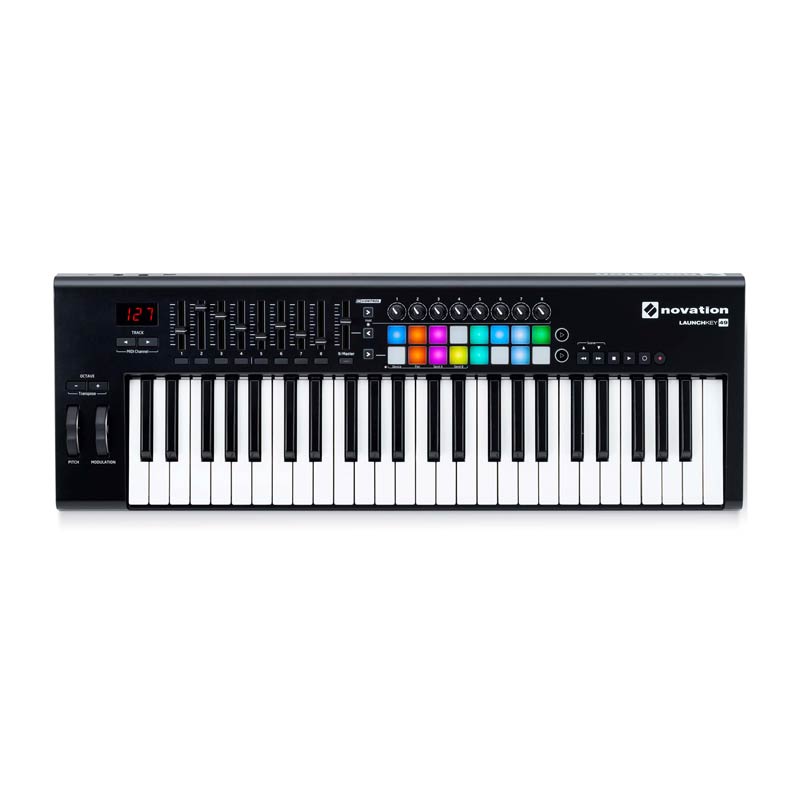
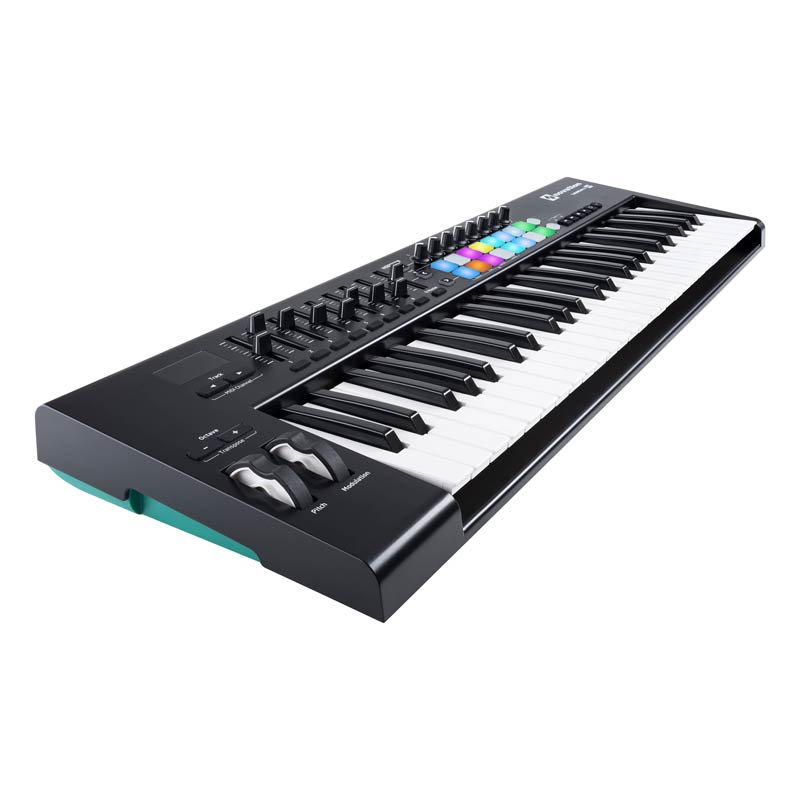
Before getting started, you’re advised to install the Launchkey MK2’s software package, which includes control surface scripts, Ableton Live Lite, Novation’s Bass Station and V-Station plug-in synths, and 1GB of Loopmasters sample content. Once the controller is set up for Live, the board’s faders, knobs, and pads adapt to the active section of the software. In the Session view, the 16 pads provide a top row for launching clips and a bottom row for stopping them. Buttons navigate the track selected and the row of clips selected. Faders control track volume. When you select instruments, effects, or instrument and effect Rack devices, the knobs will map to the eight Macro controls of a Rack or to certain parameters of instruments and effects, while the pads may play notes from a Drum Rack, for example. That’s where the new velocity-sensitive pads come in very handy. Three InControl buttons toggle the fader, knob, and pad sections from the custom Live control to standard MIDI controls, so you can use Live’s MIDI Map mode to set them to whichever controls you want. That’s a welcome feature for extending the reach of the Launchkey’s hardware while giving the user extra flexibility. Holding down an InControl key will also let you choose to control Live’s device, pan, Send A, and Send B settings as another layer of control. The included documentation is a little light on explaining how to do everything in Live, but once you have it figured out, the Launchkey MK2 goes a long way to streamline the process of recording and playing back clips in the Session View, although the two rows of launch pads don’t fully substitute for larger pad grids of the aforementioned Live controllers; the Launchkey is really best for keyboard players who still want some Live performance features.