
Audient ID22
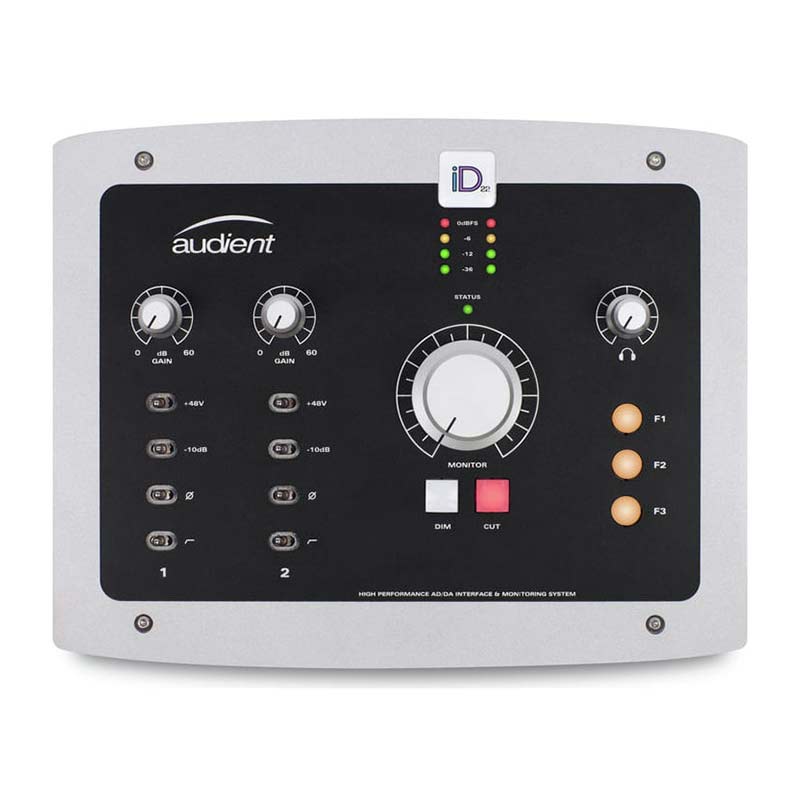
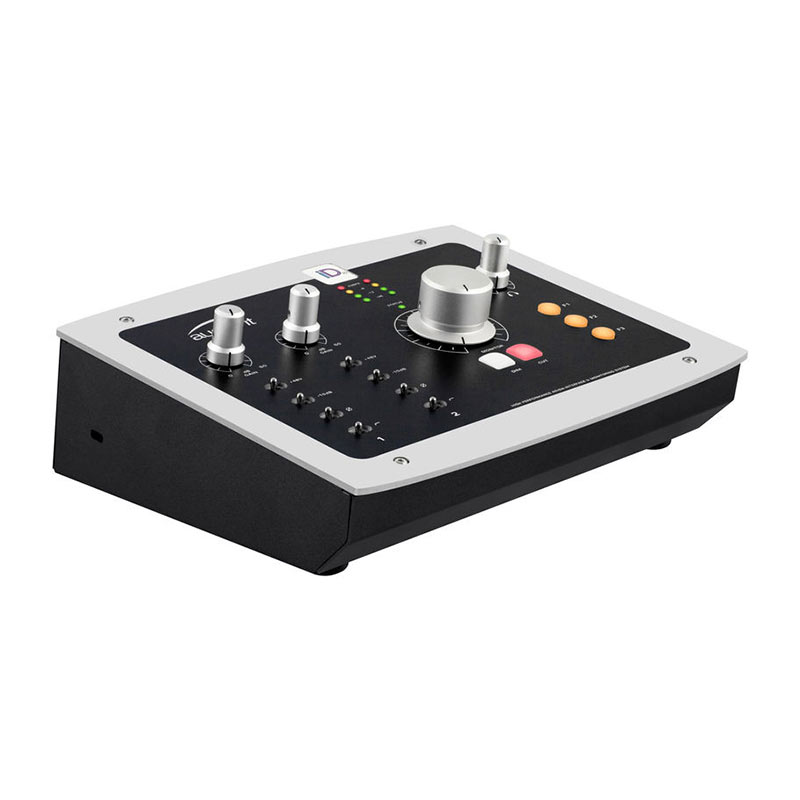
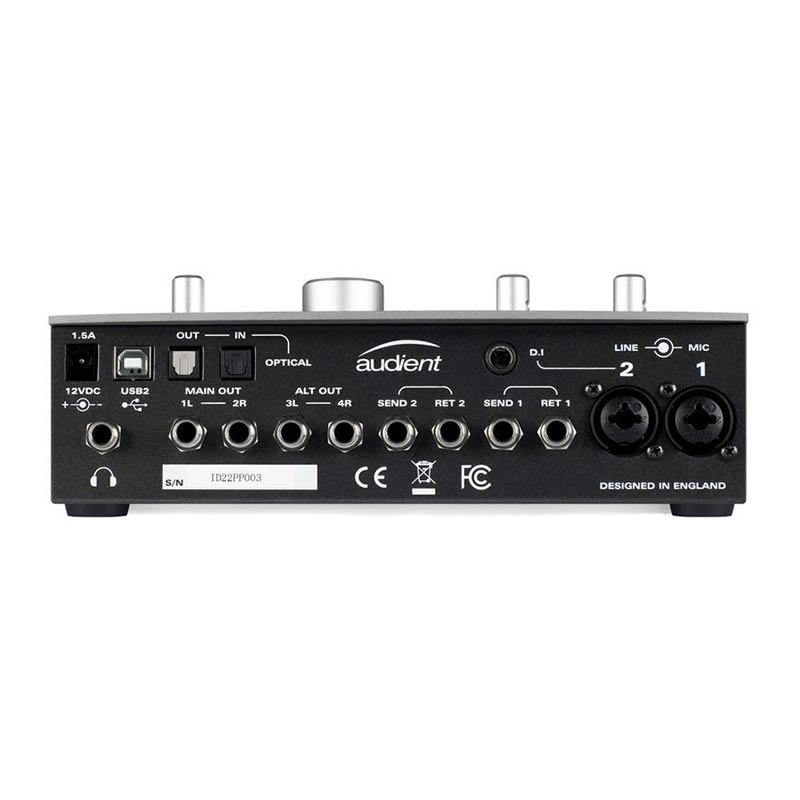
Audient's ID22 is a two-in, six-out USB 2 audio interface and monitor controller for Mac OS. Renowned for their sizable analogue mixing desks, this is the first audio interface from Audient and it features the same high-quality preamps as their popular ASP8024 console. In the product range, the ID22 sits below the high-end ASP510 surround monitor controller, however it is the audio interface specifications that will prove most alluring to the potential buyer. In addition to analogue inputs and outputs, optical I/O is included to offer additional ins and outs via an ADAT connection.
The ID22 software provides detailed control of all monitoring, signal routing and configuration of the hardware function buttons. It's well thought-out, allows for custom presets to be saved and there are even key commands for the more common tasks.On the left-hand side of the window, a mixer panel is provided to control input and output playback levels and route these to the two available cue mixes using stereo pre-fade sends. Since only one headphone output is provided, it is intended that line outputs 3-4 should be used to provide the second cue mix by connecting them to a headphone amplifier. Helpfully, the virtual 'scribble strip' on the mixer can be modified by double-clicking on the name of the input or output, and then can be subsequently stored within a user preset. This provides a useful prompt as to which microphone is plugged into each input, for example.
The middle section of the mixer allows access to monitor controls and mixer views. In the Monitor Section, six virtual buttons are present. Whilst dim and cut are always associated with dedicated hardware controls located below the volume knob, the other four functions can be assigned to any of three buttons F1-F3 by right-clicking the appropriate control in the ID22 software. Perhaps the most useful function to have to hand is the 'Alt' monitor control, which is used to route the main mix to an alternative set of loudspeakers. Outputs 3-4 — which feed the alternative monitors — follow the same master volume as outputs 1-2, and balancing of the level of the speaker pairs can be achieved using the Alt trim control in the software.