 English
 Հայերեն
 Русский

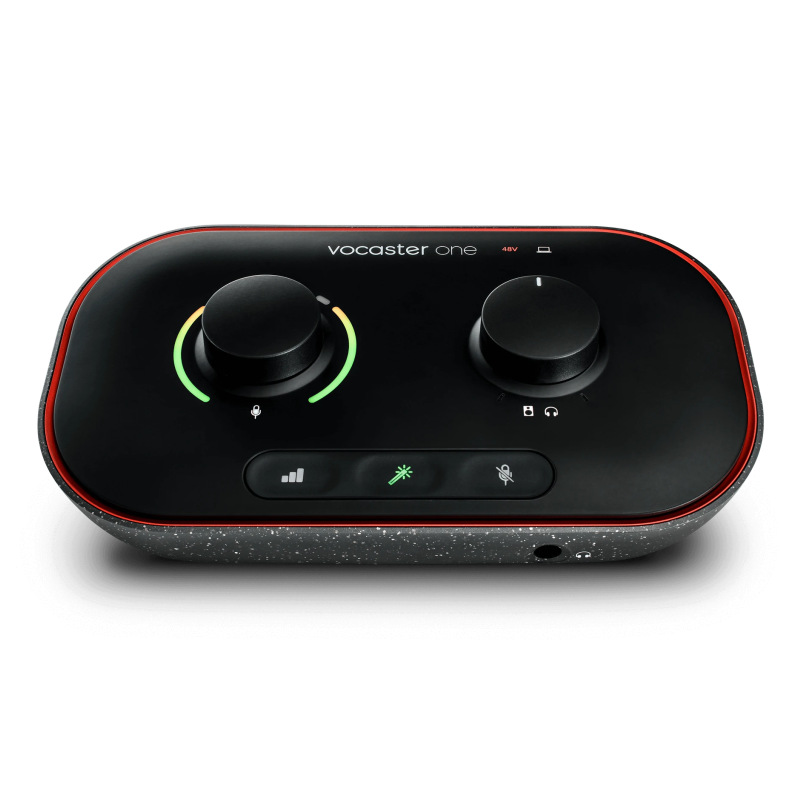
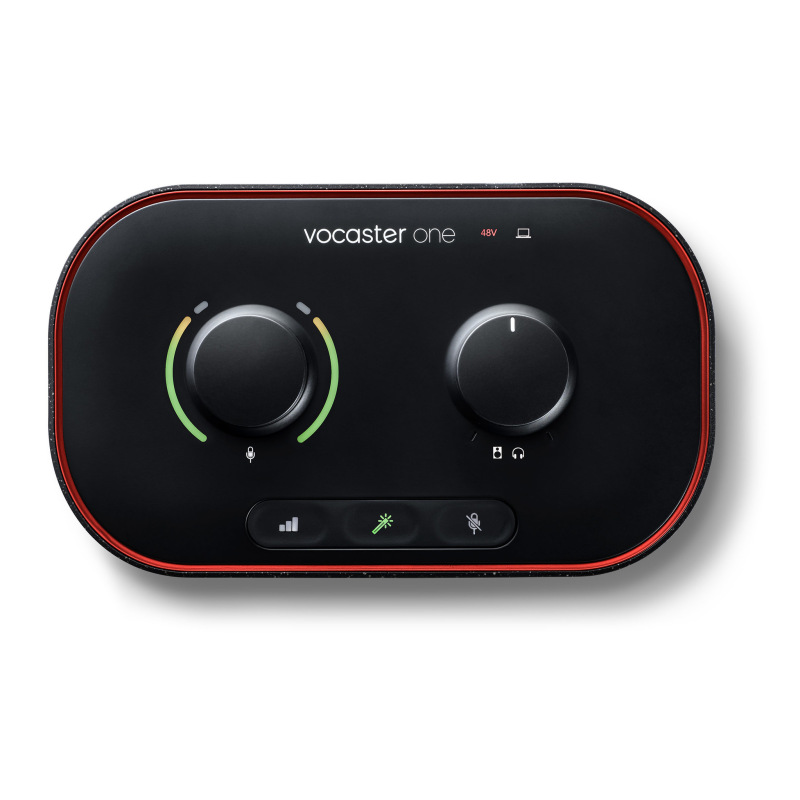
Focusrite Vocaster One Overview
Focusrite Vocaster One is a USB-C audio interface for a recording setup.
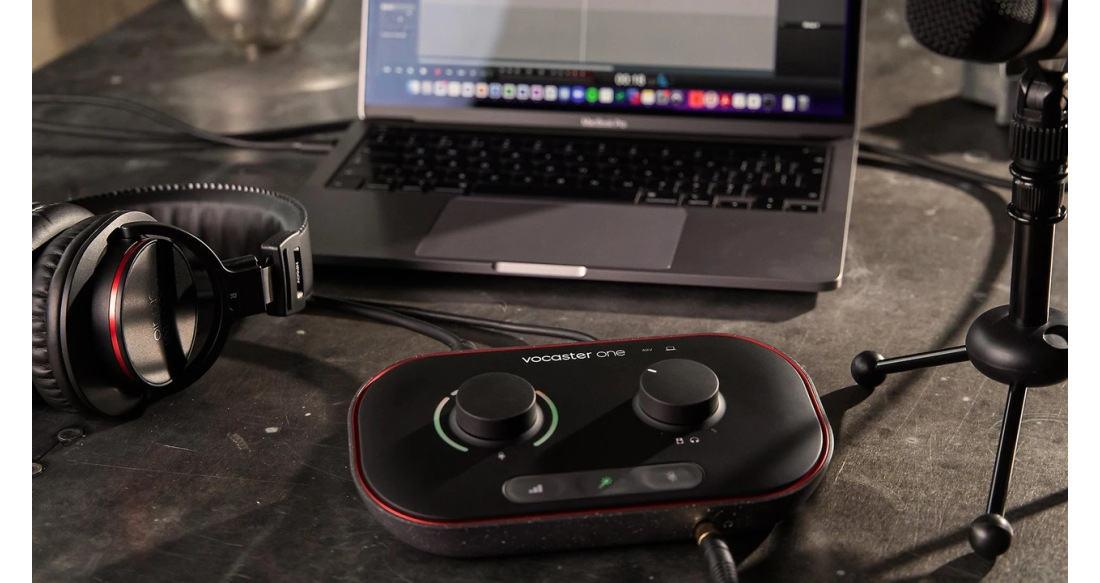
A one-microphone setup for spoken audio
Connect an XLR mic and set it up with Auto Gain. The Enhance presets give you a choice of vocal treatments, while the mute button is useful during a live take. Bring a remote guest in over a wired phone connection or capture computer audio with loopback.
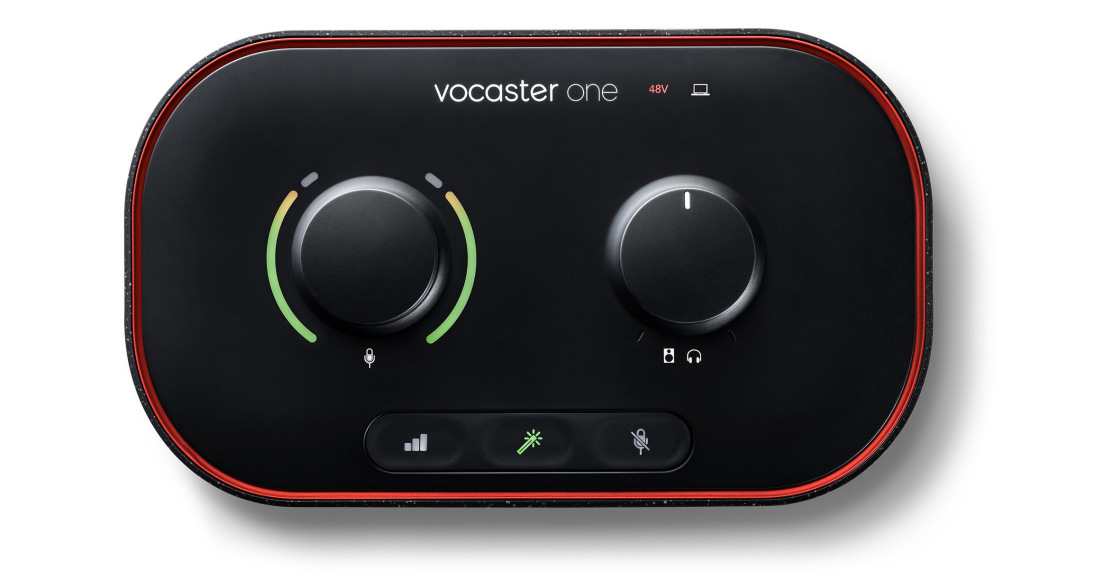
Controls and workflow
Vocaster Hub brings microphone, phone and computer sources into one mixer. Connect the dedicated camera output to a suitable camera when the podcast needs both sound and picture.
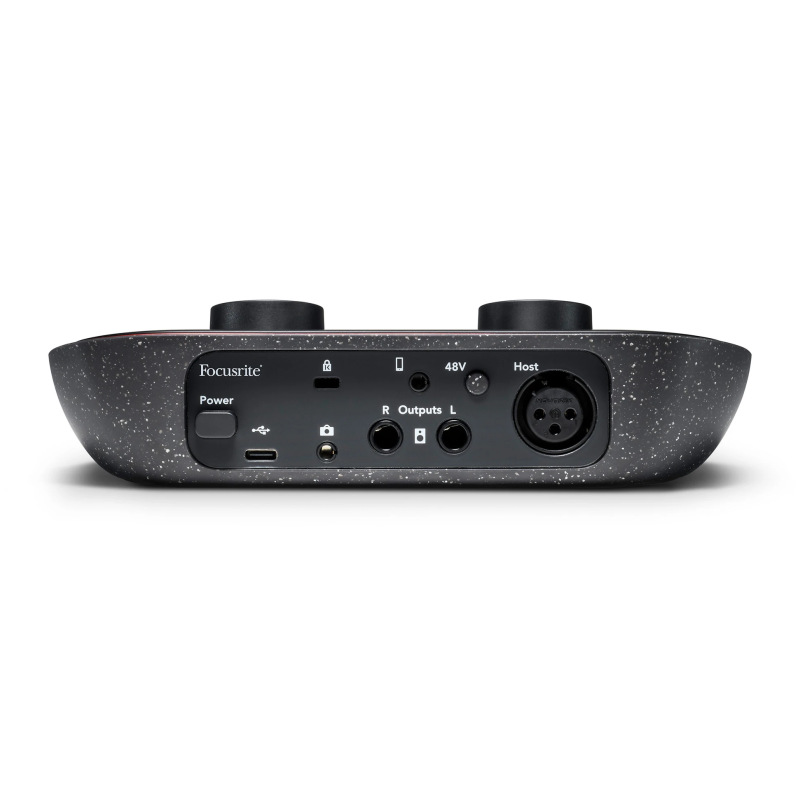
Connections and monitoring
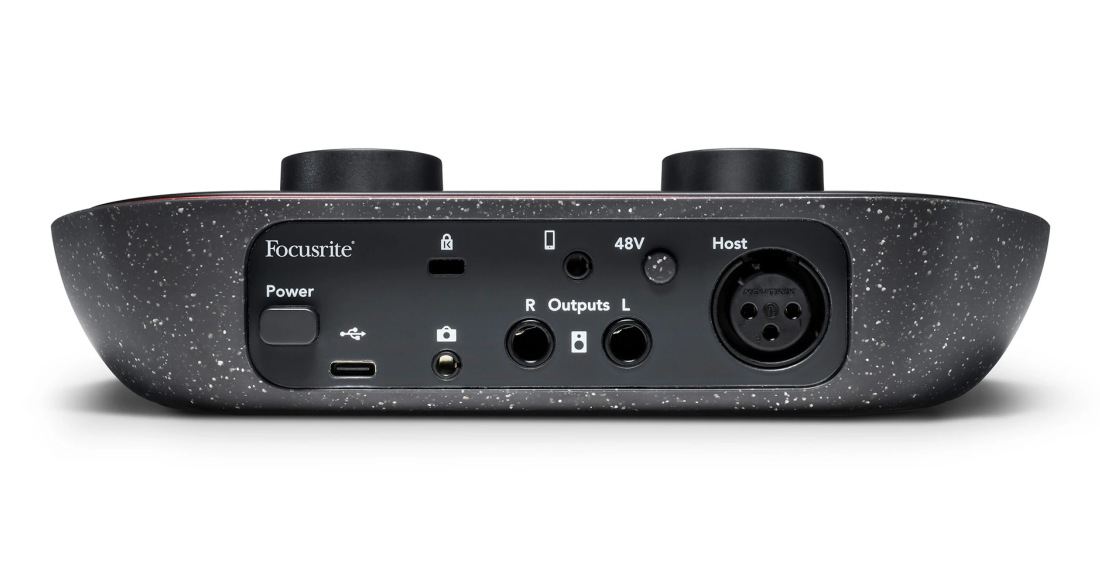
- USB-C
- 1 × XLR microphone preamp · Mono phone in/out (TRRS)
- 2 × balanced line output (TRS) · Camera output (TRS)
- 1 × stereo headphone jack (6.35 mm TRS)
- Vocaster Hub · Loopback
Product videos
Official introduction
Focusrite introduces the Vocaster range for spoken-word recording and podcasts. The two models cover solo and two-person shows.
Watch on YouTube · FocusriteUnboxing
An unboxing and first look at the standalone Vocaster One interface. See how the physical controls are laid out for a one-mic setup.
Watch on YouTube · Anthony MuldowneyHands-on review
A practical review of Vocaster One for podcast and voice recording. It provides a closer look at how this single-mic interface is used.
Watch on YouTube · Audio HotlineTags: Focusrite, Vocaster One, audio interface,